_page-0001.jpg?width=200&height=51&name=SGCM%20Logo%20(1)_page-0001.jpg)
In partnership with Sgcarmart
Earn air miles or cashback on your car expenses with your credit card
Make payments for car purchases, maintenance, and more with CardUp — even when merchants don’t accept cards.
"I've scheduled my child's school fees and my ongoing car loan onto my favourite cashback credit cards using CardUp. Now, I'm able to get additional savings automatically each month!"
Jonathan Tan | Uses CardUp for education fees and car loan
How many air miles can you earn?
Pay
Nick uses his credit card on CardUp to pay his car loan and other car expenses amounting to S$65,760 yearly.
Earn
His card rewards him with 1.4 miles per dollar spent, earning him 93,675.12 miles for these payments.
Redeem
Nick is able to take off on a business class flight to Tokyo worth $4,000 at only $1,151 in CardUp fees* - that's 63% in savings!
Unsure how much card rewards you can earn?
Use our rewards calculator to find out
How to make your car payments?

Step 1: Sign up & start a payment
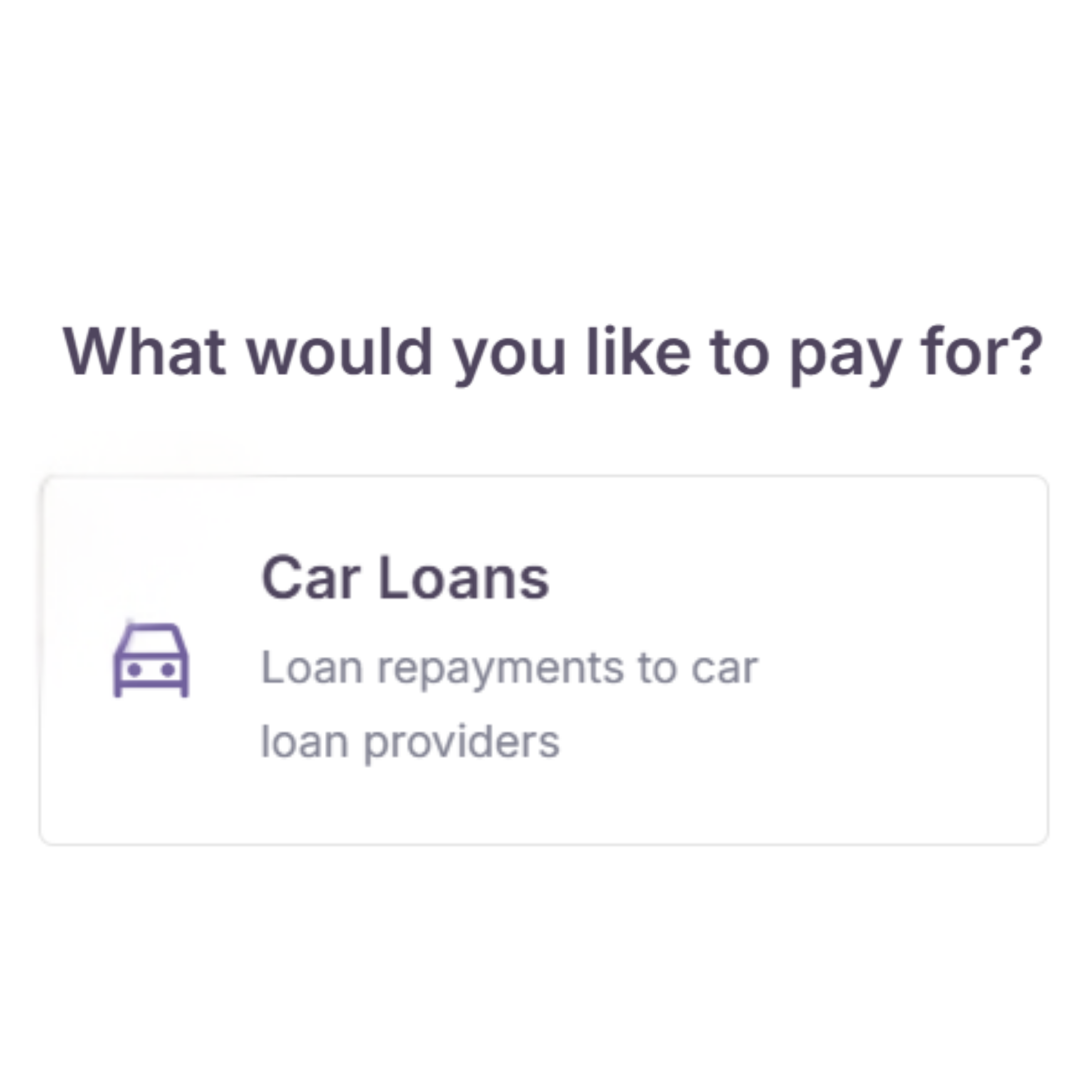
Create a free CardUp account and click “+Create Payment” from your dashboard. Choose car expenses category that you’d like to pay for.

Step 2: Enter payment details & promo code
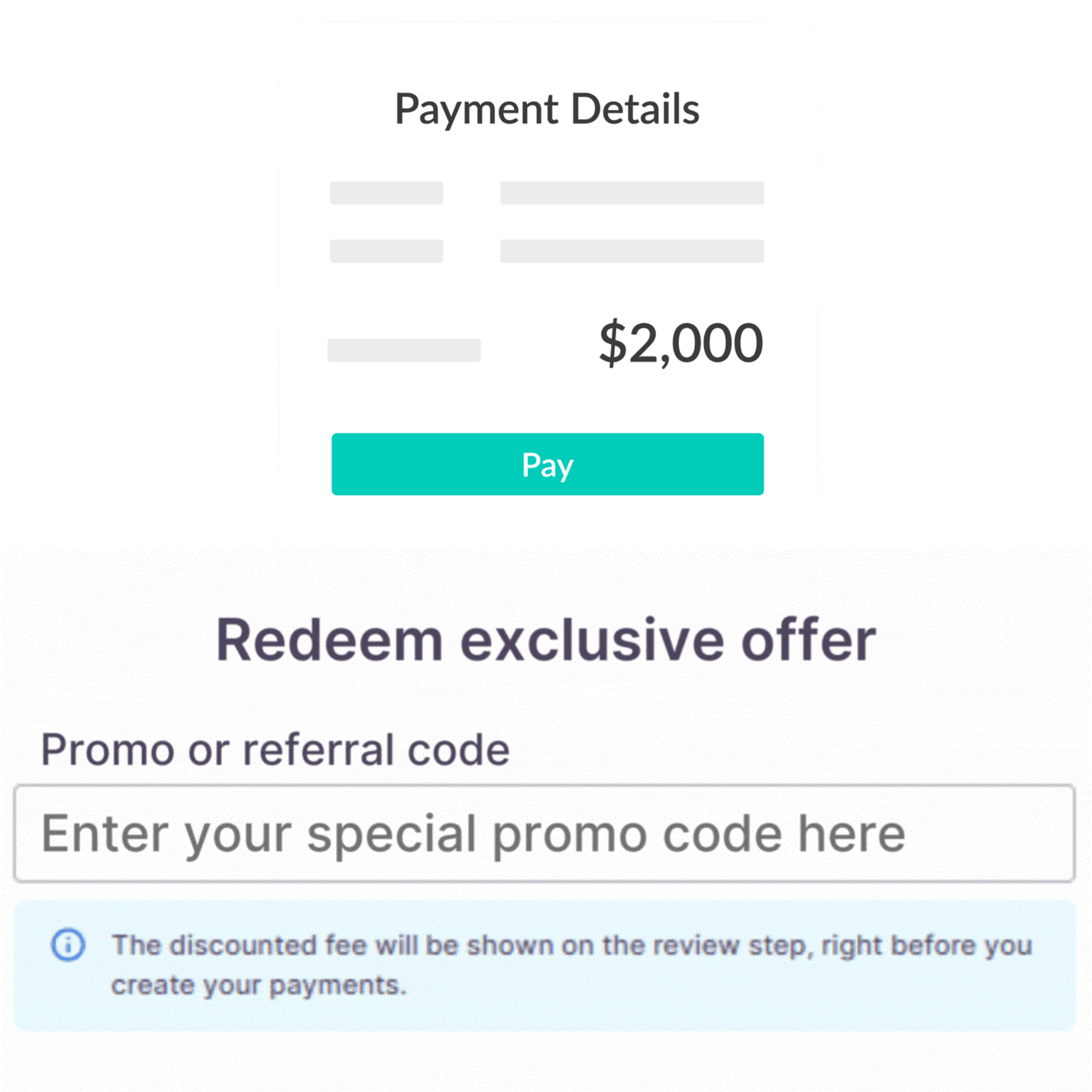
Enter your car expenses details and exclusive promo code to enjoy discounted fee. You can still pay recipients even if they don't use CardUp.

Step 3: Pay with your credit card
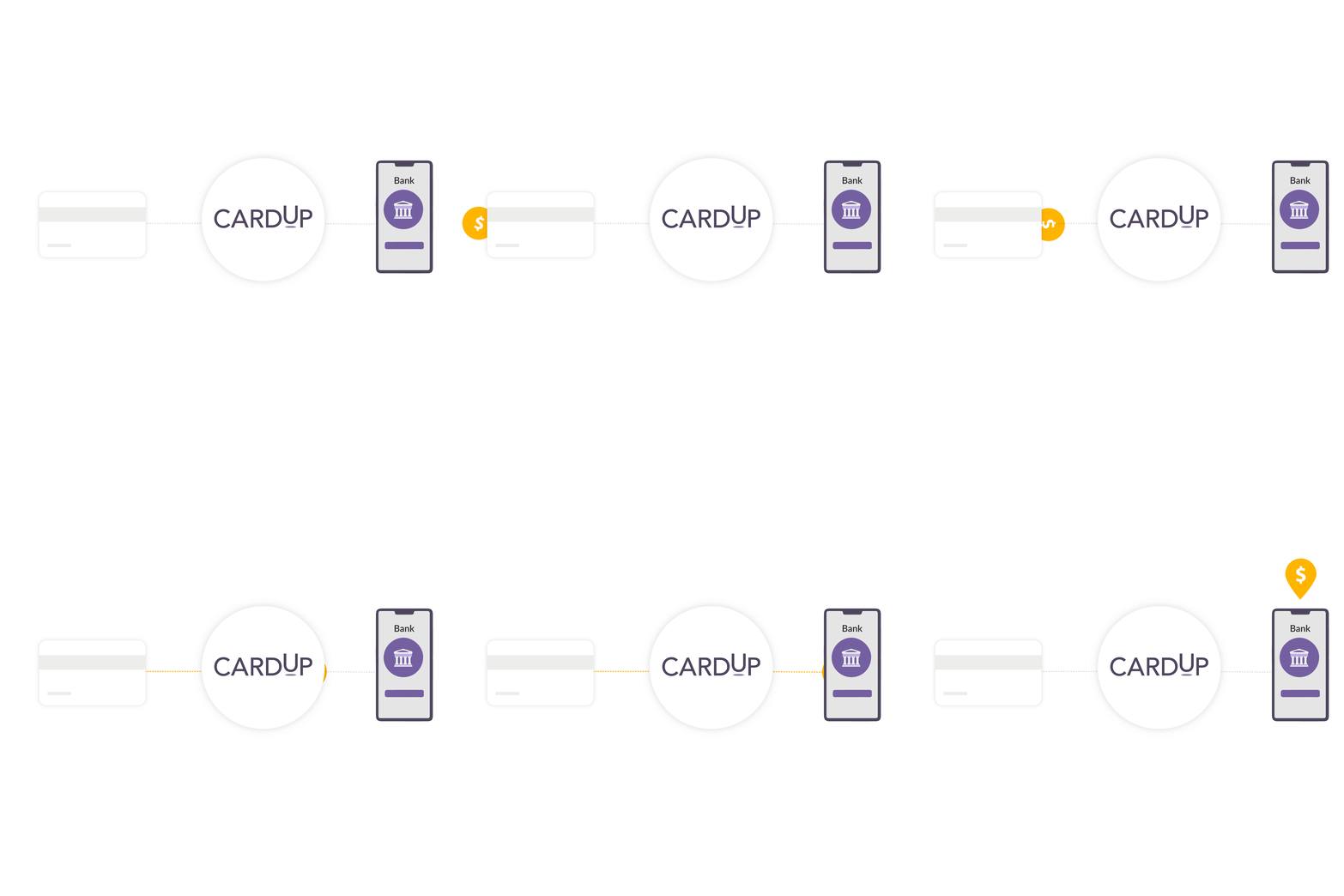
Your payment is charged securely to your credit card with a small fee. CardUp will then transfer the funds directly to your recipient via bank transfer within 3 business days.

Step 4: Earn rewards on every payment
That’s it! Your car expenses just earned you even more rewards. Want more rewards? Pay your other large expenses through CardUp.
*You can click here for a full step-by-step process.
Exclusive offers for Sgcarmart
While the rewards earned can easily outweigh the CardUp fees,
you can save even more with these exclusive offers when you make your car payments by 31st August 2026.
Car Loan payment
-
Use code SGCARMART179
-
Locally-issued Visa Cards and Unionpay cards only
-
Recurring car loan payments
-
Ends 31st August 2026
Car Down payment
-
Use code SGCARMART21
-
Locally-issued Visa Cards, MasterCard and Unionpay cards only
-
One-off car down payments, up to S$5,000
-
Ends 31st August 2026
Start your miles journey here
Enter your email to receive instructions on how to get started on CardUp, with no monthly subscriptions or set-up fees – you simply pay as you go. Explore the platform today to see it for yourself!
By submitting this form, you agree to receive promotional communication from CardUp. You have the option to opt out at any time. For more details, refer to our Privacy Policy
CardUp supports cards from all major banks and issuers
All payments made with CardUp meet the highest security standards
We are licensed by the Monetary Authority of Singapore (MAS) and keep your data safe with our PCI-DSS compliant and 256-bit encrypted platform.
You can also pay these expenses on CardUp
Earn miles, points and cashback on all these payment types traditionally not payable by card.
Rent and rental deposit
Education
Insurance
Condo and MCST fees
Income tax
Car loan
Mortgage
Helper salary
Stamp duty
Season parking
Electricity bills
Property tax
Have questions about earning card rewards using CardUp?
How to make car expenses payment on CardUp?
1. Sign up or log in
a. Create a free CardUp personal account.
2. Create a Payment
a. Click “+Create Payment” button at the top right corner of the site.
3. Choose Payment type
a. Select the car expenses category
i. For car loans, click the "Car Loan" category.
ii. For car down payments, select the "Miscellaneous"as payment category, then choose “Car Down Payment" as the purpose of payment.
iii. For other car-related expenses, select the "Miscellaneous" as payment category and "Others" as the purpose of payment.
4. Select or add recipient
a. Search for your recipient in the directory. If they’re not listed, click "Add new recipient" and fill in the required details.
5. Enter payment details
a. Fill in the amount and upload any required supporting documents, such as:
i. Car loan: loan agreement or loan disbursement letter, latest bank statement showing loan repayment details, and GIRO approval letter.
ii. Car down payment*: hire purchase agreement (including fee breakdown), recipient bank account details, and proof that your card has been pre-funded for the down-payment amount.
iii. Other car-related expenses: refer to the payment page for the required documents.
*Car down payments cannot be paid with credit. Please make sure your card has been pre-funded for the exact amount of the car down payment.
6. Review and confirm
a. Double-check all details, then click "Confirm Payment Setup" to finalize your payment.
For more information:
Will I earn rewards on my credit card for payments made through CardUp?
All spend made using a Singapore-issued card on your CardUp-registered account are eligible for the base earn rate* of miles (up to 1.6 miles per dollar), points or cashback (up to 3.33% cashback) on most credit cards, including for payments such as insurance premiums and taxes.
This includes all of these popular credit cards listed here.
You can use DBS, UOB, OCBC, or any major credit cards issued in Singapore on CardUp
How will the rewards earned outweigh the CardUp fee?
Rest assured for many credit cards in Singapore, the value of the rewards gained will outweigh our fees.
You can visit this link for an example taking you through how monthly payments of $5,480 can help you redeem a return business class flight to Tokyo, Japan (worth $4,000) at just $1,480 in fees!
What are the best credit card to use on CardUp?
The best credit cards to use on CardUp are those that offer high air miles for local spending. Top choices include:
-
UOB PRVI Miles Card - Earn 1.4 miles per S$1 on local spend
-
DBS Altitude Card Visa Signature Card - Earn 1.3 miles per S$1 locally and bonus miles on travel bookings
These cards help you maximize rewards on payments like car loan, rent, insurance, and school fees through CardUp.
For more information, visit the full blog here